
From signal to service
The whole service.
Clearly connected.
A signal is only the start. Explore the control-room tools, field workflows and business features that help you follow the work through.
Find the features for your team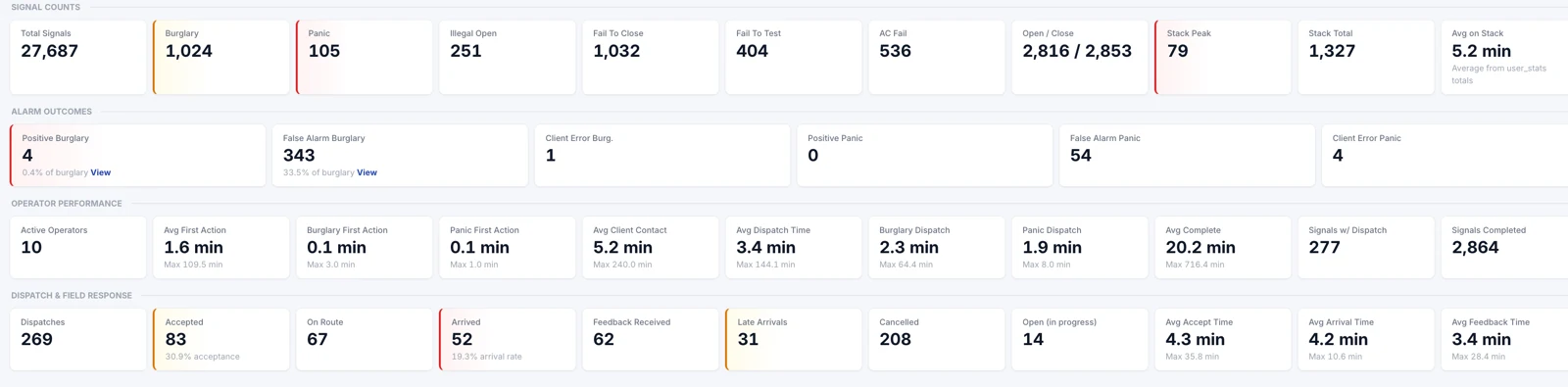
Find your part of the picture
Built around
the work you do.
Choose an area to see the capabilities, the people they support, and a real product screen.
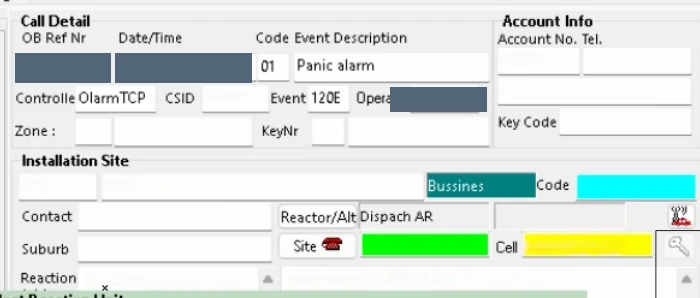
Clarity at the point of action.
Keep active calls, the site, the people and the required action in one operational view.
Looking for something specific?
Search across the feature areas, from AutoDial to job cards and client updates.
The technical work deserves a clear finish
From the first request
to the completed record.
Keep the request, quote, work preparation, technician feedback and approvals visible as the job moves through your business.
Everyone can see the next step.
The technical path connects requests, quotes, work packs, optional stock steps, technicians and sign-offs.
Overwatch · Operational maps
More ways to
read your world.
Look at alarm activity, response context and geography through the view that helps your team understand the situation.
See where activity gathers.
A heat-map view makes the location and concentration of recorded events easier to explore.
Separate product screen examples showing different views and areas.Let’s walk through your operation
Bring your busiest site.
We’ll show you the service.
Follow it through the operator’s next action, field response, client updates and the business record.